
Virtual assistant CRM Automated Phone Dialer + Warm Transfer

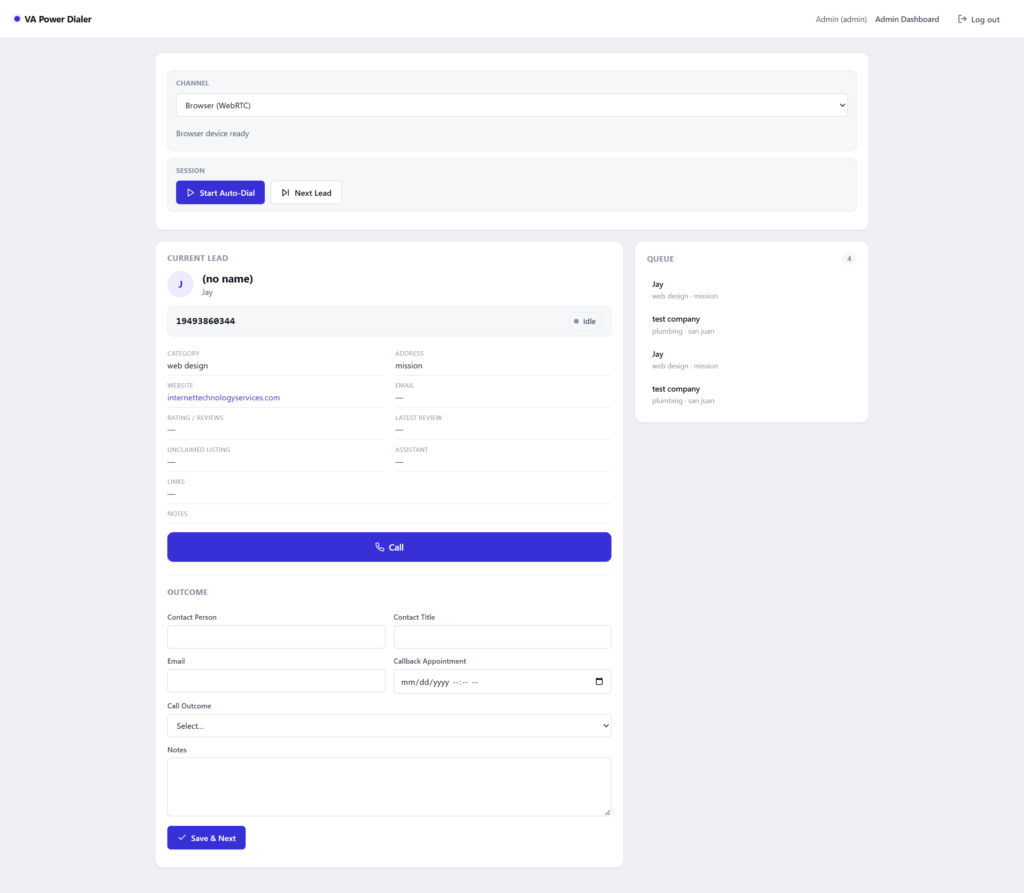
The Virtual Assistant Power Dialer + Warm Transfer CRM is a open source tool now avaliable for solo entrepreneurs and freelancers that hire VAs to make outbound calls.
Who is it for?
It’s for small business owners and freelancers who hire Virtual Assistants to make outbound calls and want to see that every call is actually handled.
- Small or Owner run businesses that run cold or follow-up calling using remote VAs
- Owners who want hot prospects handed to them live, not as a callback note
- Owners that have outgrown spreadsheets but don’t need an enterprise call-center suite
What problem does it solve?
Outsourced calling usually breaks in three places: call tracking relative to hours paid, out come of each call, and interested prospects who go cold before the closer calls back.
- Visible information for VAs: Displays lead information for VA on each call and interface to update outcome on each call.
- Slow handoffs: “call them back later” loses the moment the prospect said yes.
- Optimize Billable hours: Ensures maximum productivity for your investment through logs.
What are the key features?
- Power dialer queue: the VA sees the next lead, its full context, and an outcome/notes form that auto-advances to the next call.
- Live warm transfer: built on Twilio Conference. The VA can hold or mute the prospect, bring you in, and complete the transfer.
Three ways to dial:
- Browser: WebRTC calling in the VA’s browser (Twilio Voice JS SDK).
- Call My Phone: Twilio rings the VA’s own phone. Only an admin can set that number.
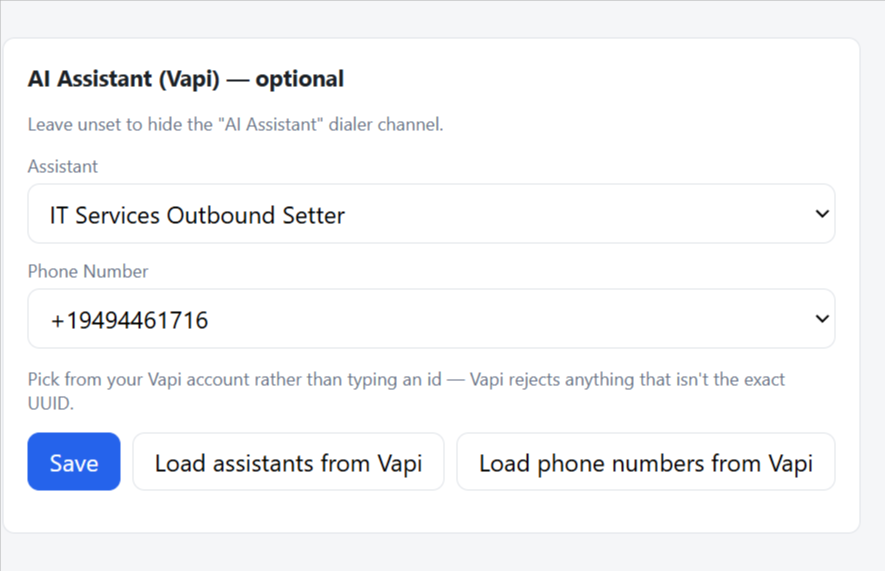
- AI assistant (Vapi): an AI voice assistant places the call, and a person reviews the logged outcome.
- Lead CRM: CSV import and export, status filters, and a per-lead editor for company, category, city, website, rating, reviews, callback, and notes.
- Call log and analytics: a full call history with CSV export.
- Clean phone data: every number is normalized to E.164 format, and bad numbers are rejected at import instead of failing mid-call.
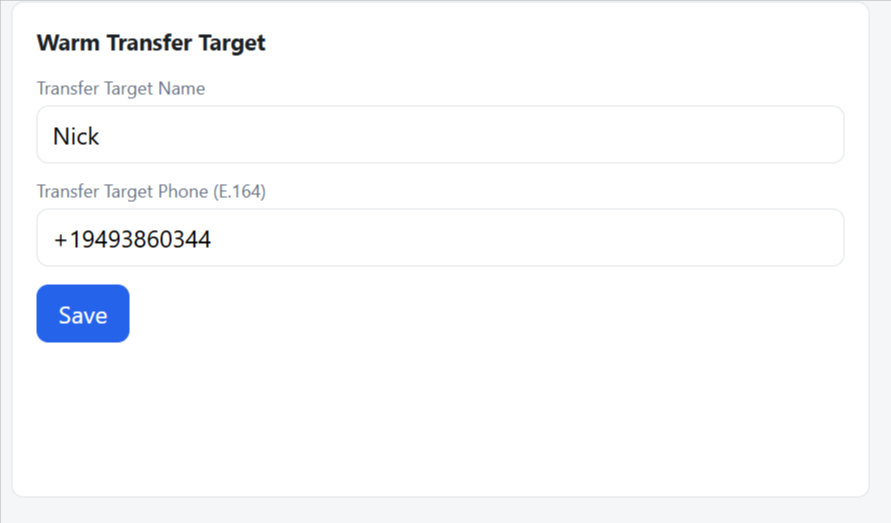
- Admin tools: user management, warm-transfer target settings, and a troubleshooting log for Twilio and Vapi errors.
- Secure defaults: no default admin password, and weak session secrets are rejected at startup.
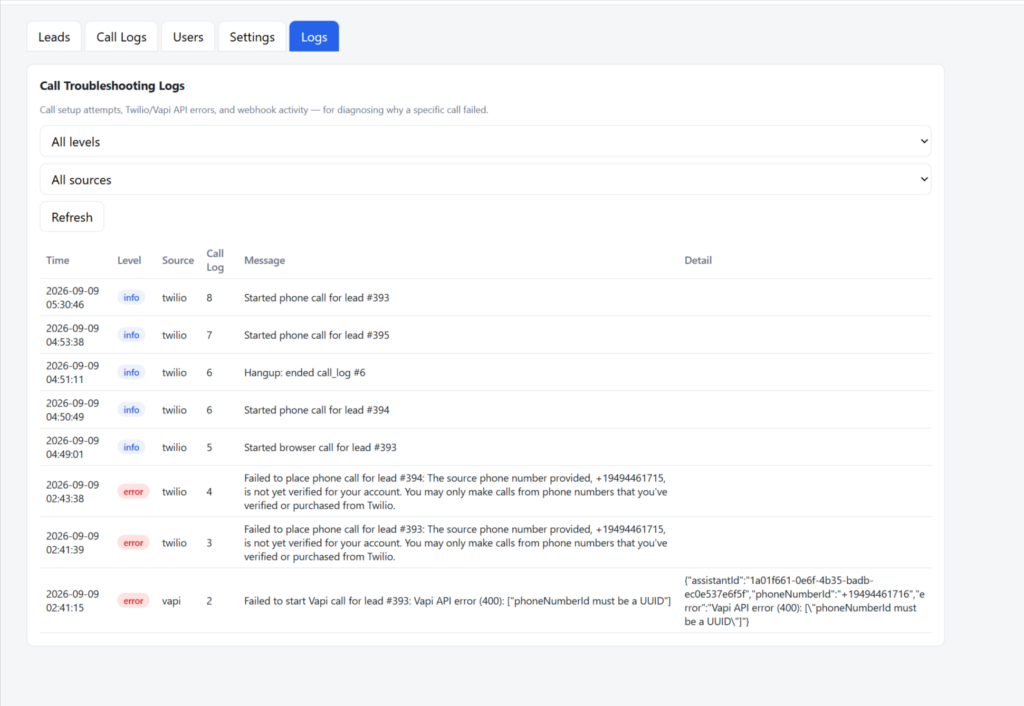
How does it work?
The VA dials from the queue, qualifies the prospect, and clicks transfer. Twilio then joins you into the same call, so the prospect never hangs up or waits for a callback. Every outcome is saved to the lead record and the call log. Our setup a VAPI outbound assistant and automate the entire process.
How do you set it up?
- Deploy the Node.js app (Express + SQLite) on a server or have ITS host it for you.
- Connect your Twilio account: a phone number for caller ID, an API key, and a TwiML App.
- Set a secure admin login and a public HTTPS URL that Twilio can reach.
- Optionally connect a Vapi AI assistant as a third dialing channel.
- Import your leads by CSV, add your VA users, and set your warm-transfer number.
- Your VAs log in, open the dialer, and start calling.
ITS can handle the full setup, Twilio configuration, and hosting for you.
What does it cost?
Free and open source. The source code is on GitHub.
Calls and phone numbers are billed by Twilio separately at Twilio’s published rates (see twilio.com/voice/pricing). AI-assistant calls are billed by Vapi.
FAQ
Is the VA Power Dialer free?
Yes. It is free and open source. Twilio and Vapi bill their own usage.
Can my VAs call without a headset?
Yes. With “Call My Phone,” Twilio rings the VA’s own phone and bridges it to the lead.
What is a warm transfer?
A warm transfer is when the VA stays on the line and brings you into the live call, instead of handing off a callback note. This app does it with a Twilio conference.
Can an AI make the calls?
Yes. An optional Vapi AI voice assistant can place and conduct calls, and a person reviews each logged outcome. AI voice calls are subject to TCPA consent rules.
Can I import my existing leads?
Yes. Upload a CSV. Phone numbers are normalized automatically, and invalid ones are flagged.
Do I need my own Twilio account?
Yes. Calls run through your Twilio account and number, so usage is billed to you by Twilio.
Get started
Call (949) 446-1716 or email its@InternetTechnologyServices.com to hire us to set it up for you